TRONSCAN is a blockchain explorer for the TRON network: it helps you inspect public accounts, transactions, blocks and tokens. Start with the question you need to answer, then choose a transaction hash, public address or token contract. This TRONSCAN guide explains seven useful features, what the results can establish, and when to move to a more detailed tutorial.
For the explorer itself, use TRONSCAN at tronscan.org. Tronscan News is an independent educational publication, not the explorer operator. This page provides a reading guide; it does not query an account for you, connect a wallet or confirm a payment.
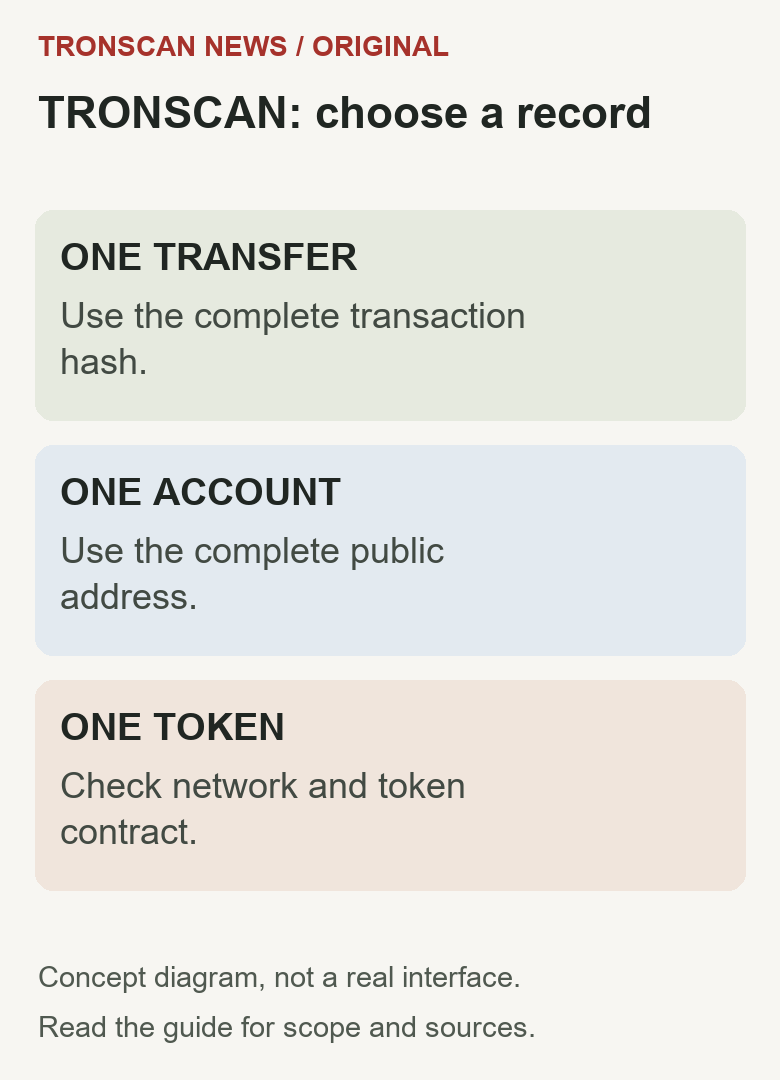
Table of Contents
What is TRONSCAN? Start with these four names
TRONSCAN is the public explorer, TRON is the blockchain, TRX is its native asset, and TRC20 is a token standard. “Tron scan” is a search phrase people use for looking up TRON records; it does not identify a different blockchain.
| Name | Plain-English meaning | First useful action |
|---|---|---|
| TRON | The network on which a record exists | Confirm Mainnet or the named test network |
| TRONSCAN | A website for reading public TRON records | Open the official explorer and choose a record |
| TRX | The network’s native asset | Read its quantity separately from token balances |
| TRC20 USDT | A token on TRON | Match its issuer-published contract before reading a transfer |
Beginner success check: you can state the network, the kind of record you opened and the exact identifier. A page showing a familiar name alone is not enough. For a reproducible token example, follow Tether’s supported-protocol reference to its TRON USDt entry, then compare the contract on the linked token page. This identifies a token; it is not a receiving address or a new payment.
TRONSCAN record selector: which page answers your question?
| Your question | Start with | Check before concluding |
|---|---|---|
| Did this particular payment execute? | Its full transaction hash | Execution result, correct network and relevant token movement |
| What does this account hold? | Its public account address | TRX versus token quantity; available versus committed balance |
| Is this the intended token? | Its contract on the correct chain | Issuer-confirmed contract, rather than symbol or logo alone |
| Which activity happened in this block? | Block height or identifier | Match the individual transaction; time proximity is insufficient |
| Has an exchange credited my account? | Exchange deposit record plus on-chain receipt | Receiving service’s network, asset and crediting requirements |
TRONSCAN field worksheet: observation versus conclusion
Use this worksheet beside the record you are reading. These are concepts to compare, not a promise that every explorer layout uses identical labels.
| Field or concept | What to record | What it cannot prove alone |
|---|---|---|
| Transaction hash | Complete identifier and network | That a service order number is an on-chain transaction |
| Sender / receiver | Full addresses in the relevant movement | The legal identity of either controller |
| Token contract / quantity | Contract, displayed units and unrounded amount | Authenticity from a matching symbol |
| Execution result | Reported result for this operation | Exchange crediting or acceptance of the asset |
| Confirmation information | Reported state and observation time | The receiving provider’s separate acceptance policy |
| Block / timestamp | Block reference, time and displayed timezone | A cause for a delay merely from two unlike clocks |
| Resources / fees | Field label, unit and actual receipt value | That a withdrawal service charged the same amount |
The official execution-receipt reference distinguishes the submitted transaction body from the execution receipt. Keep this distinction when a tool returns transaction data without the outcome information you need.
Worked reading example: a successful record with an unresolved deposit
Synthetic example, not a real payment: suppose the sending service says TRON, the explorer reports a successful operation, and the token movement displays 25 units to the expected address. The receiving service still shows no deposit credit.
- Match the complete hash from the sender with the explorer result.
- Match the token contract and full recipient with the receiving instructions.
- Record the reported execution and confirmation information separately.
- Check whether the receiving service accepts that exact network and asset and whether its own requirements are met.
- Report the observed mismatch through its established support route.
The supported conclusion is that the compared on-chain record reports that movement. The unsupported conclusion is that the explorer has confirmed an exchange credit or identified why it is missing. Do not send another payment merely to test that assumption.
When the lookup does not answer the question
- No result: recheck identifier type, complete value and network. If only an order number exists, obtain the sending service’s blockchain reference.
- A token appears with a familiar name: verify its contract against the expected issuer record before treating it as the intended asset.
- A wallet and explorer disagree: compare the same address, asset, network and observation time before assigning a cause.
- A screenshot omits a field: open the underlying record; absence from the crop is not absence from the chain.
Quick start: choose the question before the search
- Choose the correct network. Check the sending record or provider instructions rather than guessing from an asset symbol.
- Choose the record. Use a complete transaction hash for one operation, a public address for an account, or a contract identifier for a token.
- Compare the details. Check the entire identifier and the asset you expected before interpreting a status or balance.
- Separate the outcome. A visible on-chain result and an exchange’s internal deposit credit are different observations.
- Record what remains unknown. A missing result or unfamiliar label is a reason for another check, not a complete explanation.
This order prevents a useful-looking result from becoming the wrong answer. For example, finding an account does not identify which particular transfer you meant. A familiar token symbol does not identify the contract behind it. Keep the question narrow enough that you can explain why the record answers it.
What TRONSCAN can show—and where its role ends
The official TRON developer overview describes account, transaction, block and token exploration. It also describes developer access through APIs and other tools. Most ordinary readers can begin with the web explorer instead of setting up a technical integration.
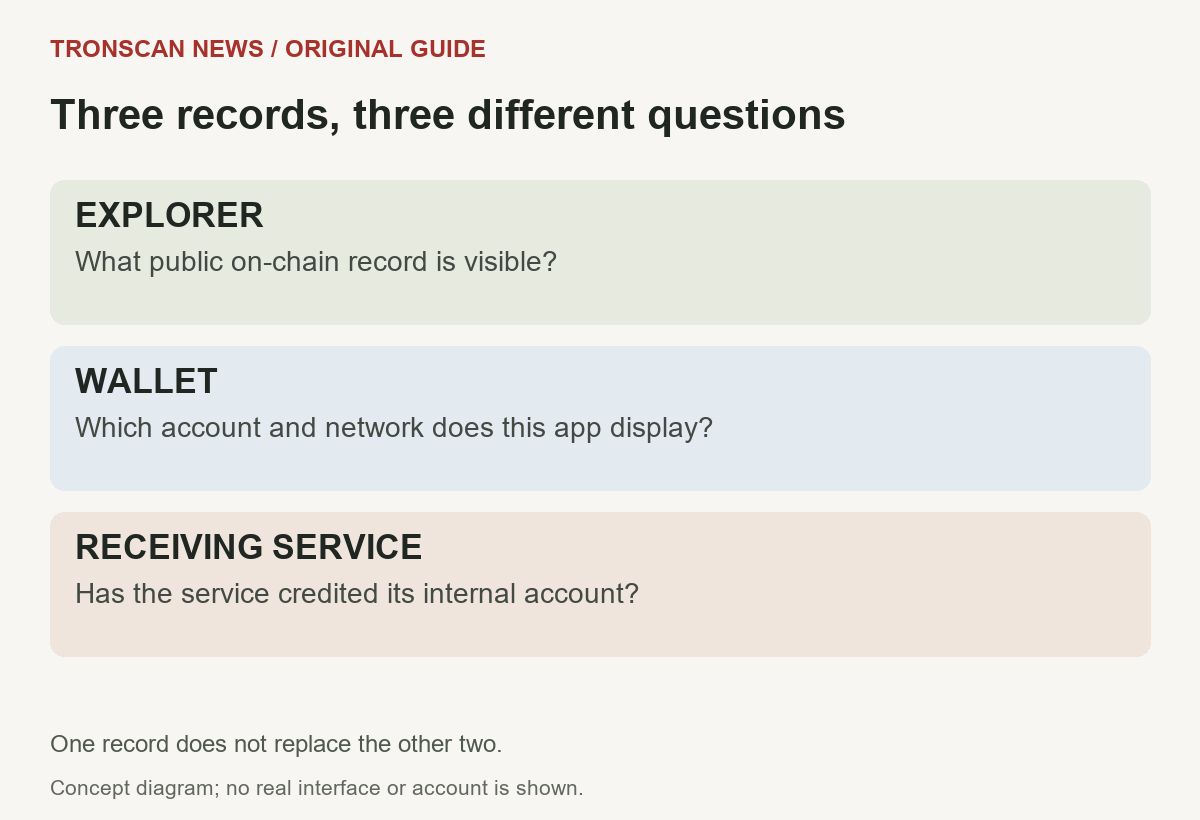
Think of the explorer as a way to inspect public evidence. A wallet is the application through which you manage an account and authorize actions. An exchange or other receiving service may maintain a separate customer ledger. A result in one place should not be silently substituted for a result in another.
A public address does not necessarily reveal the legal identity of its controller. A token listing does not establish that the issuer is trustworthy. A successful operation does not guarantee that a receiving service accepts that network or has credited an internal account. Those questions require additional evidence.
1. Find one transaction with its complete hash
Use the transaction hash when your question concerns one particular operation. Obtain it from the actual sending record, not from an unrelated message or an exchange order number. A provider’s order reference and a blockchain transaction identifier may serve different purposes.
After opening the result, compare the network, complete identifier, sender and destination. Then inspect the reported execution and relevant transfer information. Do not stop at a large status label if the amount or recipient does not match the payment you expected.
For a token operation, check the token transfer details as well as the surrounding transaction. An operation can involve a contract interaction, and the transaction’s summary alone may not explain every asset movement. Read the units and field labels before deciding which amount is relevant.
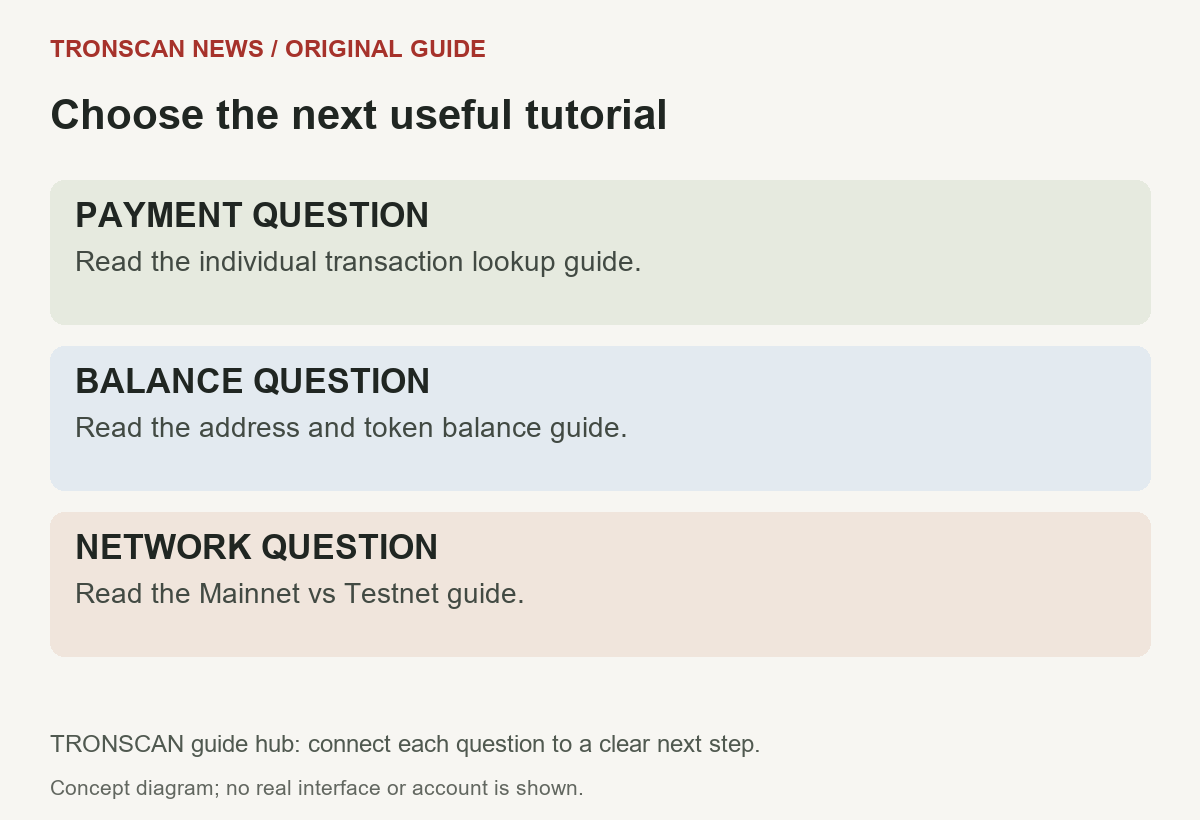
The practical walkthrough is in our TRON transaction lookup guide. Use that page for the detailed checking sequence; use this TRONSCAN guide to decide which type of record you need in the first place.
2. Inspect an account without confusing assets
Use a public account address when the question is about balances or activity associated with that address. Compare the full address with the one supplied by the wallet or service. Similar-looking beginnings and endings are not a substitute for matching the complete identifier.
Keep TRX and token holdings separate. An asset quantity, a displayed fiat estimate and a resource-related figure answer different questions. Before reporting a balance, write down the asset, network, unit and observation time. That makes your note understandable when someone checks it later.
A change in a fiat estimate does not, by itself, mean that token quantity changed. Likewise, a wallet displaying a different number is not enough to establish which application is wrong. First compare the same address, asset and network at a similar time.
Our TRON address and token balance guide provides the next steps for account questions. Keep a single balance investigation together instead of jumping between unrelated addresses until a reassuring number appears.
3. Identify a token by more than its name
A name or ticker can help locate candidates, but it is not sufficient identification. For a token question, record the network and contract along with the displayed name. Check the expected contract against the issuer’s established documentation or another appropriate primary source.
Read quantities in their stated units. A raw integer and a human-readable token quantity may use different representations. If you cannot establish the decimal precision or field meaning, mark the amount as unresolved rather than rounding until it looks familiar.
Do not infer legitimacy from a logo, a familiar symbol or the presence of a holder list. These can be useful parts of a page while still failing to answer whether a specific asset is the one you intended to receive. Identification and endorsement are separate tasks.
This TRONSCAN guide does not rank tokens or recommend purchases. Its purpose is to help you describe the record accurately. A useful conclusion might be that an observed transfer involves a particular contract; it should not automatically become a claim that the asset is safe.
4. Use blocks to understand the surrounding record
A block is a different starting point from an account or transaction. If you are comparing records associated with one block, note its identifier or height and the displayed time. Keep the explorer’s field labels with your notes so a later reader knows what was observed.
Block information provides context, not a substitute for checking your own transfer. Seeing activity around the time you sent a payment does not prove that your operation was included. Match the individual transaction identifier before connecting the two observations.
Time comparisons need care. Record the timezone shown by the service you are using and distinguish the sending application’s local display from the explorer’s timestamp. An apparent difference can be a display or comparison problem; investigate it before calling it a delay.
For a hypothetical example, a reader might compare a phone’s local time with a source displayed in another timezone. That example is a reading exercise, not a real transaction or a measurement of network performance. Preserve the original timestamps before converting them.
5. Read status, transfer details and resources separately
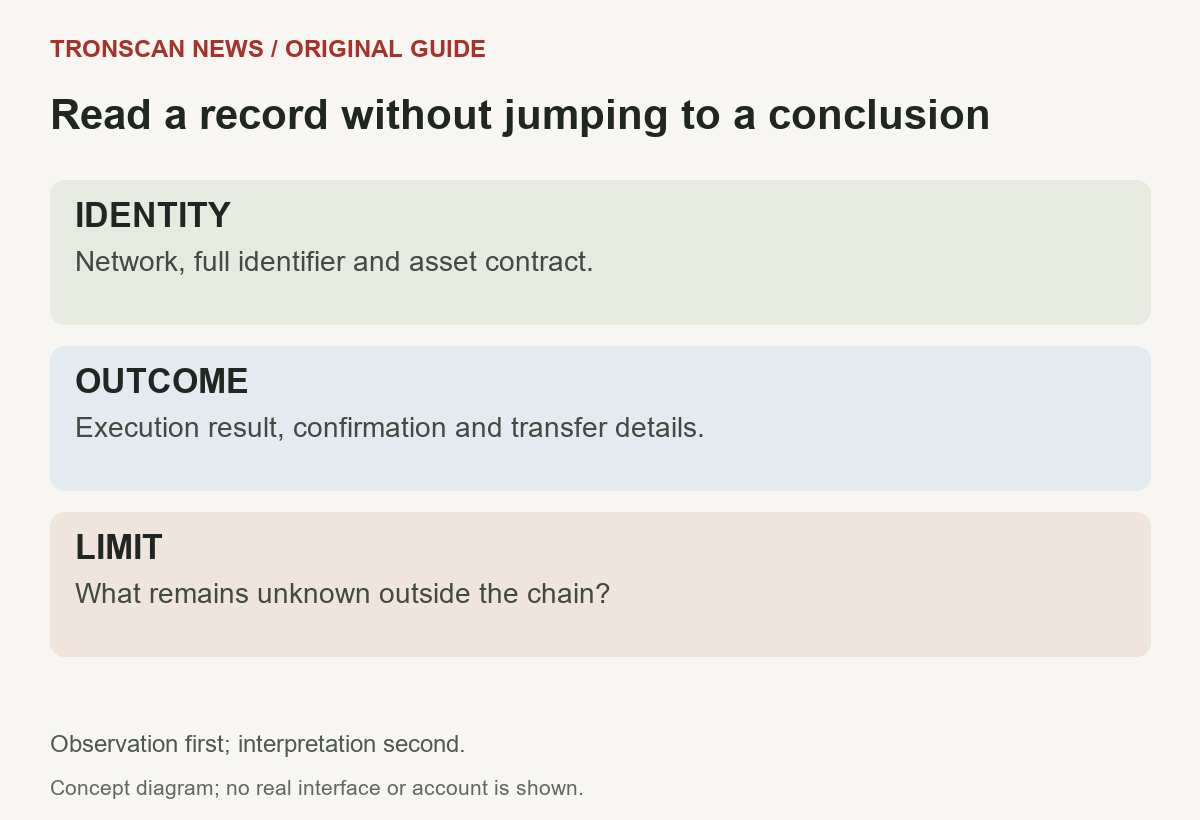
A transaction page can contain several kinds of information. Identify which field reports execution, which relates to confirmation and which describes an asset movement. Treating every positive-looking label as proof of the same outcome loses important distinctions.
Resource or fee information needs its own units. Separate what an on-chain operation consumed from what a wallet estimated or an exchange charged for a withdrawal. A provider’s charge can include a different business rule from the recorded network consumption.
If you do not understand a field, preserve its exact label and value before asking for help. Describing an unfamiliar value as a fee, balance or failure without checking its meaning can send the investigation in the wrong direction.
A useful checking note has three parts: what is visible, what it supports, and what it does not establish. For instance, a matching recipient and token record may support an on-chain transfer observation without proving that an exchange has credited a customer’s separate account.
6. Keep Mainnet and testnet lookups separate
TRONSCAN access is available for Mainnet and test networks. Choose the network associated with the record you are investigating. A lookup on a different network is not an independent confirmation that a transfer disappeared.
Save the network alongside the identifier rather than treating it as a temporary search setting. If someone sends only a screenshot, ask where the underlying record was opened. A cropped image can hide the context needed to reproduce the lookup.
Our USDT explorer guide explains network selection before you inspect a token transfer. Follow that tutorial when you need network-specific detail instead of treating a test record as evidence about production funds.
Never change a record’s meaning to make two screens agree. If one source identifies a test environment and another describes a production payment, keep them separate until you have evidence that you are comparing the same intended operation.
7. Know when web browsing is enough
A manual lookup is a sensible starting point for an occasional account or transaction question. It lets you inspect the result before deciding whether a repeatable technical workflow would actually help. More complicated access is not automatically better evidence.
Developers working with repeated queries may need a documented API workflow. The official developer overview links the available access modes. Authentication, limits and field definitions belong in that specific documentation; they should not be guessed from a web page’s appearance.
If you use a programmatic tool, preserve the network, filters and raw result, not merely a formatted summary. A successful data request and a successful blockchain operation are separate events. An empty response can also reflect scope or coverage rather than proving that no activity exists.
This TRONSCAN guide does not require an API key. Ordinary readers should not create credentials merely to follow an introduction. Start with the record you can reproduce and move to a specialized workflow only when your actual question requires it.
A simple method for a useful mobile lookup
- Write a one-sentence question, such as whether a particular transfer record matches the recipient you expected.
- Obtain the identifier from the original sending or account source.
- Open the explorer through a verified route and confirm the network context.
- Compare the entire identifier, asset and relevant outcome fields.
- Save the source URL and observation time, then choose the appropriate next tutorial.
Keep the browser page and your private wallet credentials separate. Reading public information is not a reason to disclose a private key or recovery phrase. If a workflow asks you to authorize an operation, stop treating it as a simple read-only lookup and examine what is being requested.
On a phone, expand truncated text before comparing it. Copying a value can help, but verify what was copied and where it came from. A short screenshot may be convenient for discussion while omitting the complete address, network or field label needed for a reliable comparison.
When seeking support, state observations instead of conclusions you cannot establish. Give the complete relevant public identifier and explain the mismatch. Avoid sharing unrelated account history or private correspondence merely because a support form allows an attachment.
Frequently asked questions
1. What is TRONSCAN used for?
It is used to inspect public information on the TRON network, including accounts, transactions, blocks and tokens. Choose the record type that fits your question and verify the network and complete identifier before interpreting the result.
2. Is TRONSCAN the same as Tronscan News?
No. TRONSCAN is the explorer discussed here. Tronscan News is this independent educational publication, which provides explanations and links to sources. This guide does not operate the explorer or represent TRON, TRONSCAN or Tether.
3. Do I need a connected wallet for a public lookup?
A public record lookup is different from authorizing an on-chain action. This guide asks for no wallet connection or signature. Use public addresses or transaction identifiers, and never enter a recovery phrase or private key into an informational page.
4. Can TRONSCAN confirm an exchange has credited my deposit?
An explorer record can help establish what is visible on-chain. Exchange crediting is a separate service record. Compare the network, recipient and asset with the receiving service’s deposit requirements, then contact that service through its established support route if necessary.
5. Why might a TRONSCAN search show no matching result?
First check the complete identifier, selected network and whether the value is a transaction hash, address or service order number. A missing result alone does not identify the cause. Preserve the sending record and the exact lookup context for further investigation.
Sources and editorial scope
Beginner definitions and concept table reviewed on 30 October 2026; the earlier guide was checked on 25 October 2026 against the official developer overview and explorer entry linked above. This is an introductory TRONSCAN guide, not an audit of the explorer, a benchmark, an investment recommendation or a claim about the ownership of a particular address.
The question-first workflow, examples and four diagrams are original editorial explanations prepared with AI assistance and source checks. Visit the Tronscan News homepage for our wider English guide collection. A newer review date does not change a transaction’s original date or establish that an existing payment was rechecked.
Leave a Reply